

How to Clean AutoCAD Splines in 3ds Max | Spline Cleaner Workflow
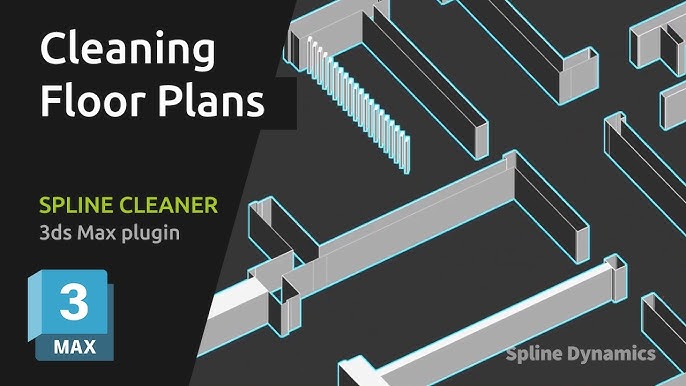
Cleaning architectural floor plans imported from AutoCAD can be surprisingly difficult in 3ds Max.
Imported spline drawings often contain overlapping splines, short segments, unnecessary vertices and other geometry issues that can make a floor plan difficult to work with.
In this tutorial, I’ll show you a complete Spline Cleaner workflow for cleaning an architectural floor plan, including how to diagnose and remove unwanted overlapping geometry while preserving the valid contours.
The scene used in this tutorial is a real-world example of the kind of messy spline geometry you can encounter when working with imported CAD drawings.
In this tutorial:
• Diagnosing problematic spline geometry
• Finding overlapping splines
• Removing unwanted geometry
• Cleaning and optimizing spline vertices
• Using the tools in the right sequence
• Preparing an imported floor plan for further work in 3ds Max
Spline Cleaner is a 3ds Max tool designed to help clean, diagnose and optimize complex spline curves.