

Max Migrate – One Click Tools
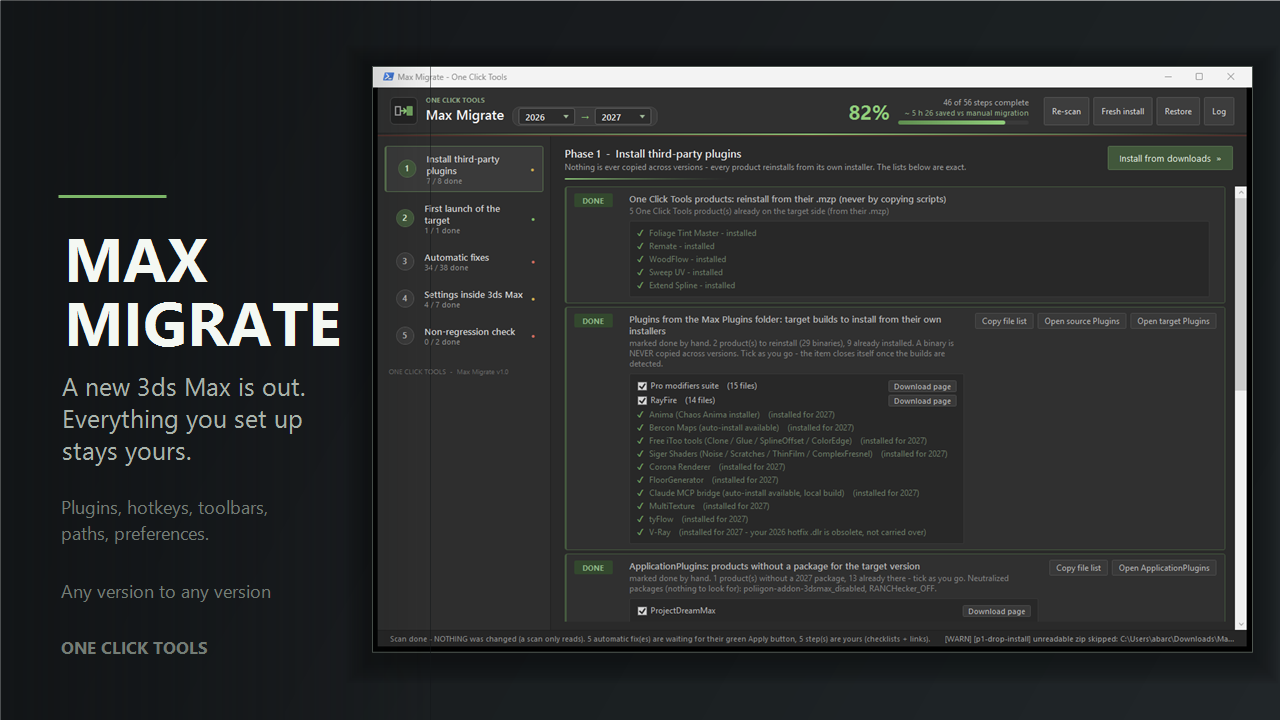
Oh good, a new 3ds Max is out.
And there it is again. The empty toolbars. The factory hotkeys. The paths that point nowhere. Twenty plugins to hunt down and reinstall. The colour picker back to default, the units back to inches, that one macro you wrote three years ago and never backed up. A full afternoon, at best, before you can do any actual work — and you will still be finding small things missing three weeks later.
Max Migrate carries your setup across.
Point it at your old version and your new one, and it works through everything the two installs have in common: what is already fine, what it can move for you, and the short list only you can do. Then it does the moving. On a typical station that is four to six hours you do not spend, and it tells you the figure as it goes.
What it actually moves
- Preferences and units, the whole set: system units, gamma, snaps, viewport, colour picker, backup, render output presets, ini blocks most people never find again.
- Hotkeys, including the ones bound to plugin macros — and it reconciles them, so a shortcut whose macro exists again comes back to life instead of dying silently.
- Toolbars and their positions, by targeted XML merge. Never a brutal overwrite: your new version’s own layout is preserved and yours is merged into it.
- Paths: project folders, external files, bitmap paths, plugin.ini entries.
- Macros, icons, workspaces, plus the Corona, V-Ray and Arnold user settings.
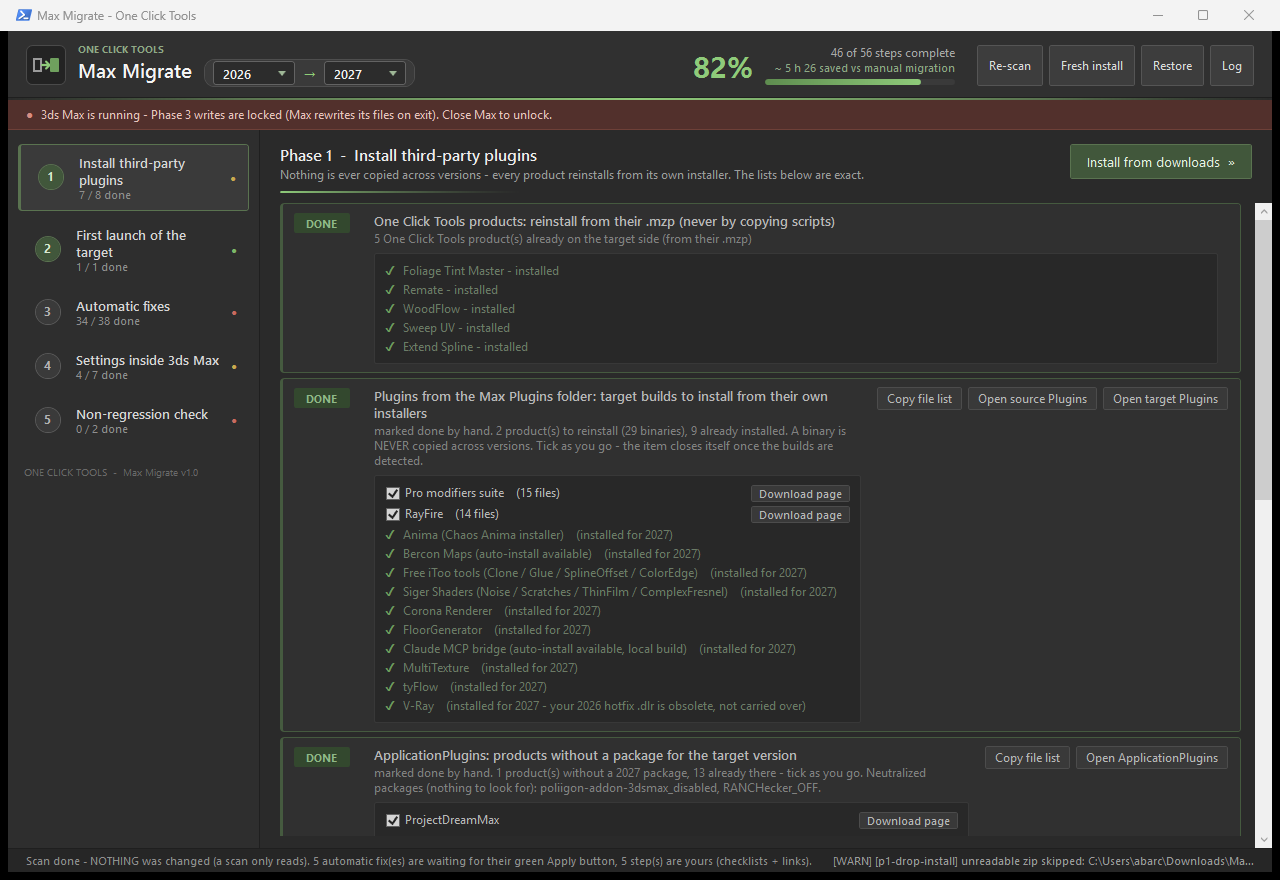
- Plugins: it inventories both sides, tells you exactly which builds are missing for the new version, gives you the download page for each, and installs what you have already downloaded — it finds fresh builds in your Downloads folder, checks each one is really for the target version and really 64-bit, and puts it where that product puts it. Drag and drop works too.
What it will never do
- Never delete anything. At worst a file is moved aside, into a folder you can see.
- Never copy a binary across versions. A plugin built for one version has no business in another; Max Migrate refuses, on principle, and points you at the right download instead.
- Never write while 3ds Max is open. Max rewrites its own files on exit and would silently undo the work, so writes are locked, not merely discouraged.
- Never a blind overwrite. Every write is preceded by a restore point, and there is a Restore button for the whole session.
How it runs
Double-click, read, click. The left column is five steps, the middle is what that step found, and every automatic fix has its own green button — nothing happens until you press one. A scan only ever reads; it says so on screen so you are never in doubt.
Any version to any version. It reads what you actually have installed and lets you pick both ends, so a jump across several releases works exactly like a jump to the next one.
Requirements. Windows, and two versions of 3ds Max installed side by side. No dependency, nothing to install, no admin rights except where Windows itself demands them.