

Free 3dsMaxScript – PolyCount | ArchvizTools
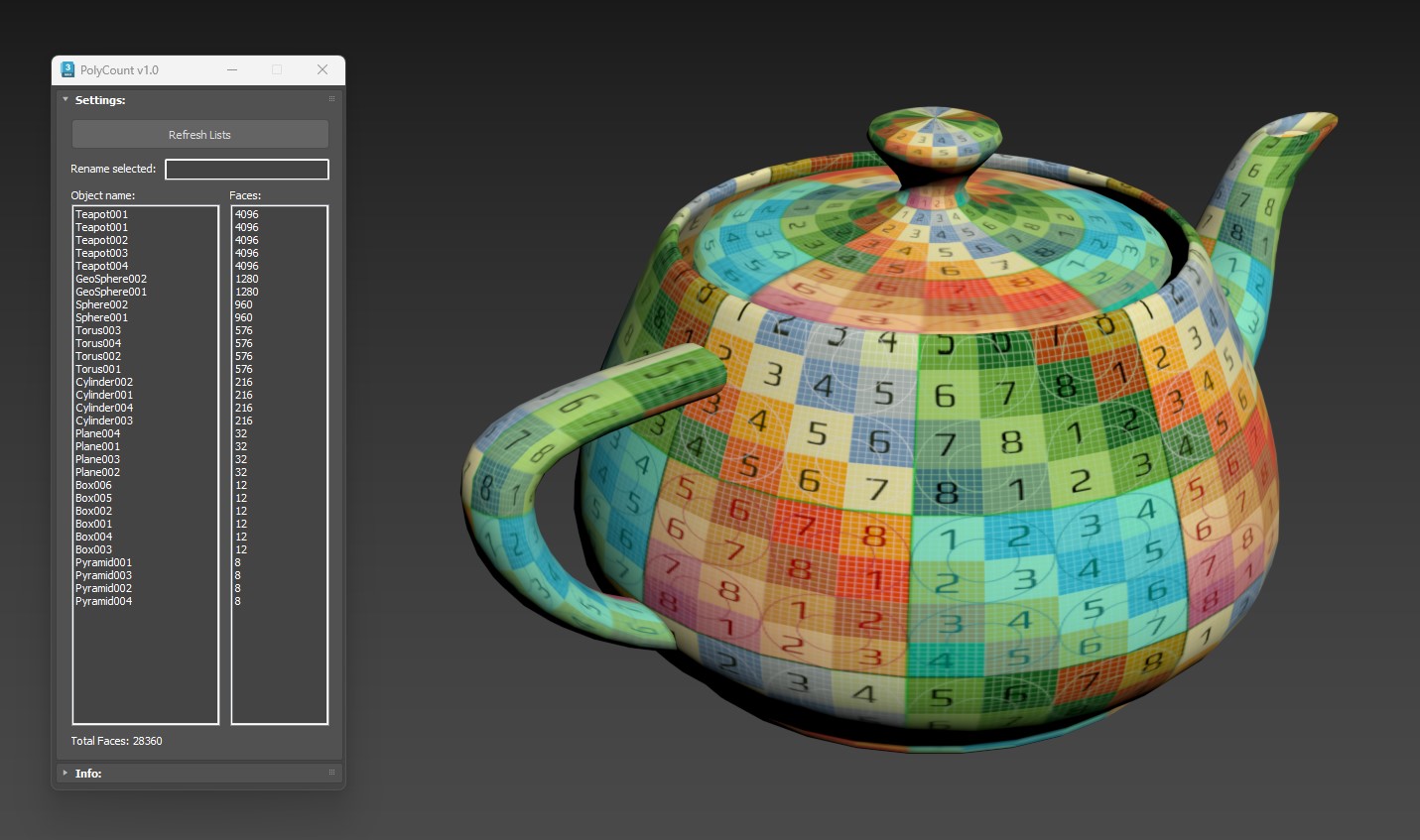
In architectural design and visualization work, there are many projects where you don’t start from scratch but instead receive files from someone else to continue developing. This is when problems begin to arise—especially if the previous person didn’t manage their files properly, leaving you with a messy scene to clean up.
One of the biggest resource-consuming elements in any 3D scene is the number of polygons in the 3D objects. High-quality models often contain an astonishing amount of geometry, but more is not always better. What really matters is using the minimum number of polygons necessary while still achieving the required visual quality.
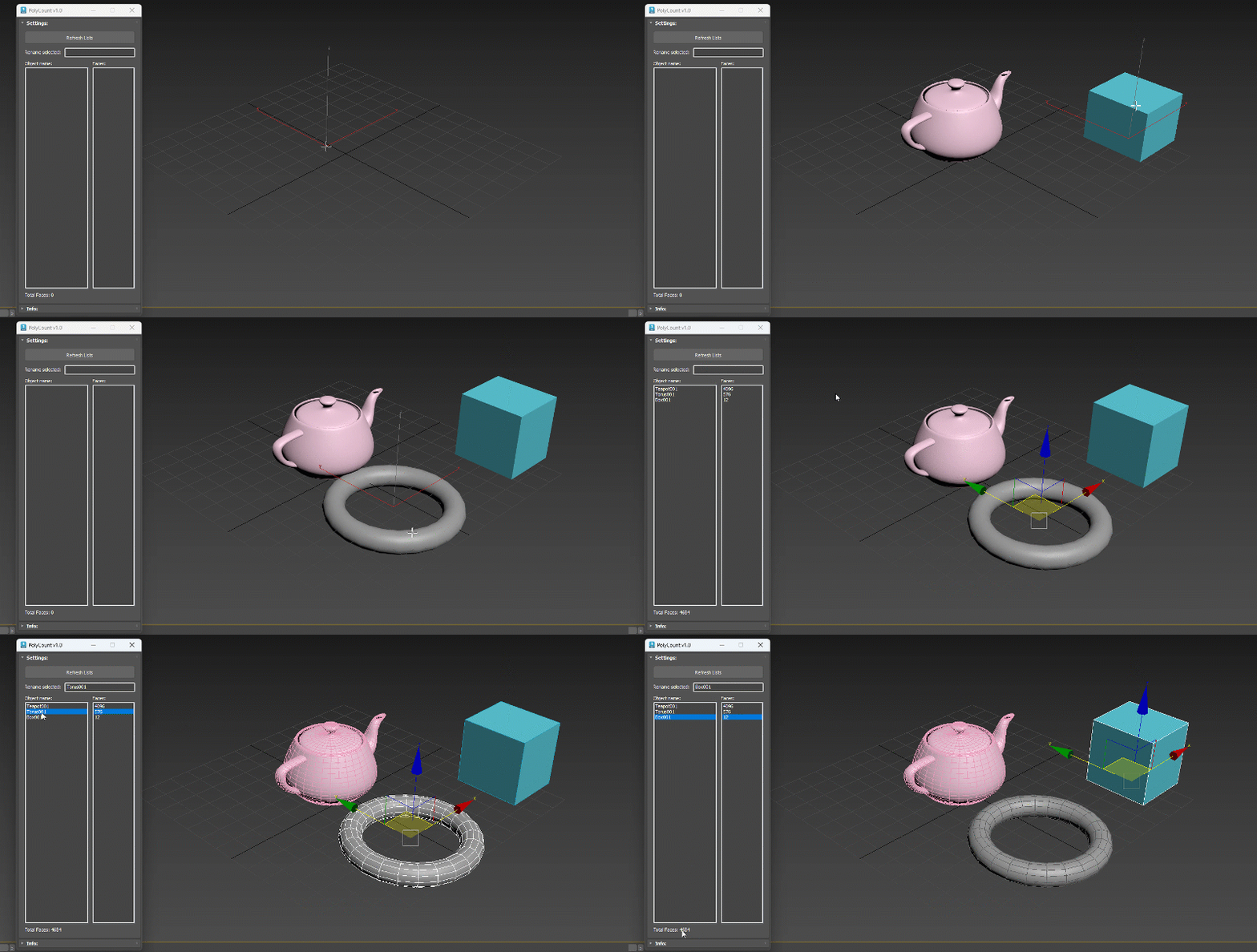
PolyCount is a script that scans all geometric objects in your scene and lists their face (polygon) counts from highest to lowest. Just open the script, hit the Refresh button, and it immediately shows you which objects are consuming the most resources, along with the total polygon count of the entire scene.
When you select a name from the list, the script automatically selects the corresponding object in the scene. From there, you can decide how to optimize it—reduce the mesh, convert it to a proxy, or replace it with a lighter asset. The method depends on your own modeling and optimization skills.
The script is simple, but it acts as a useful warning system—giving you quick insight into what’s weighing down your scene and helping you work more efficiently and comfortably.
.: Compatible with 3dsMax 2018 and higher
.: Version: 1.0
.: Free to download and use for any project
